For Divers · Freedivers · Underwater Creators
Turn flat underwater footage
into cinematic stories.
Learn how to colour correct and grade underwater video, fix green and blue colour casts, recover natural colour, and create professional-looking content using CapCut.
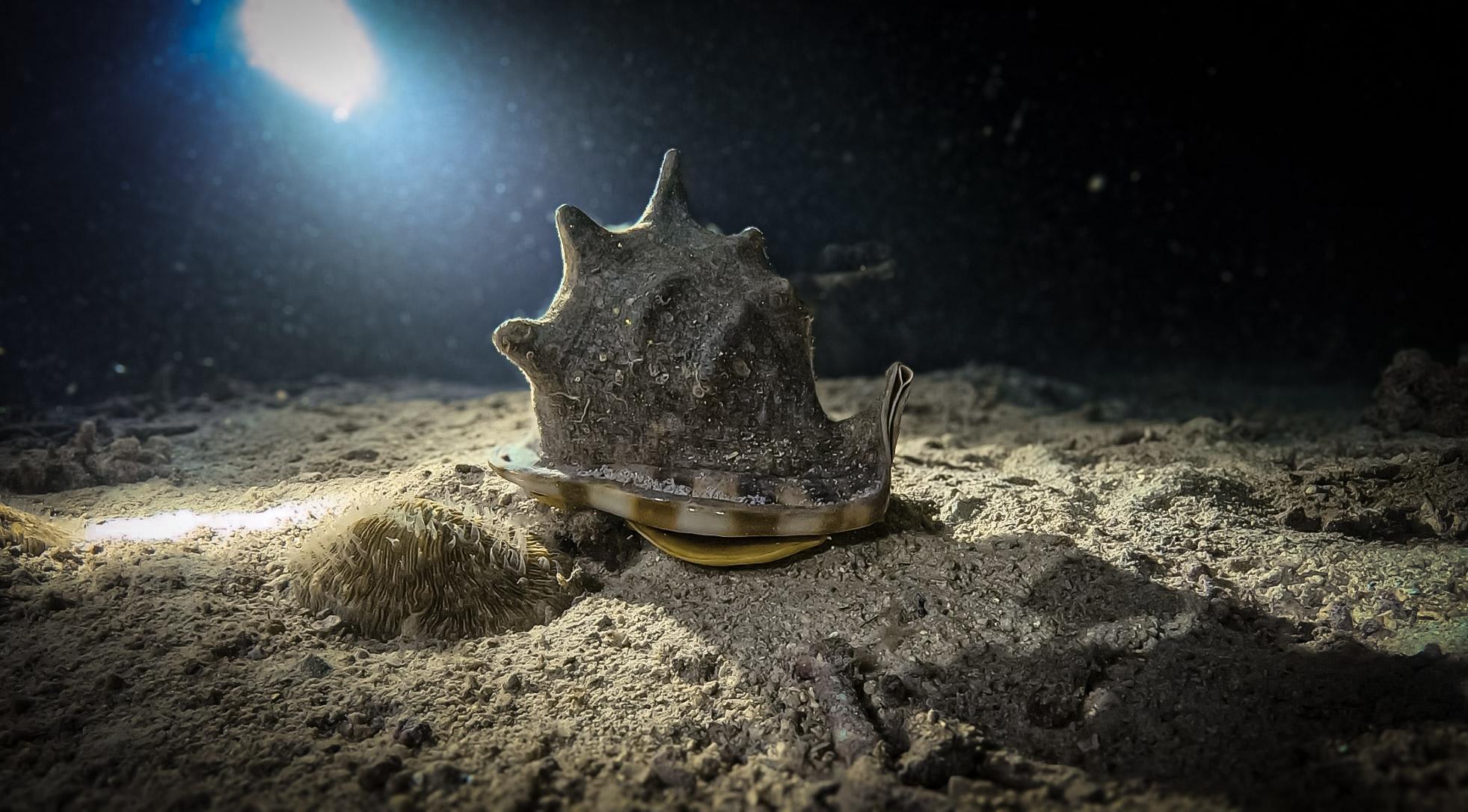
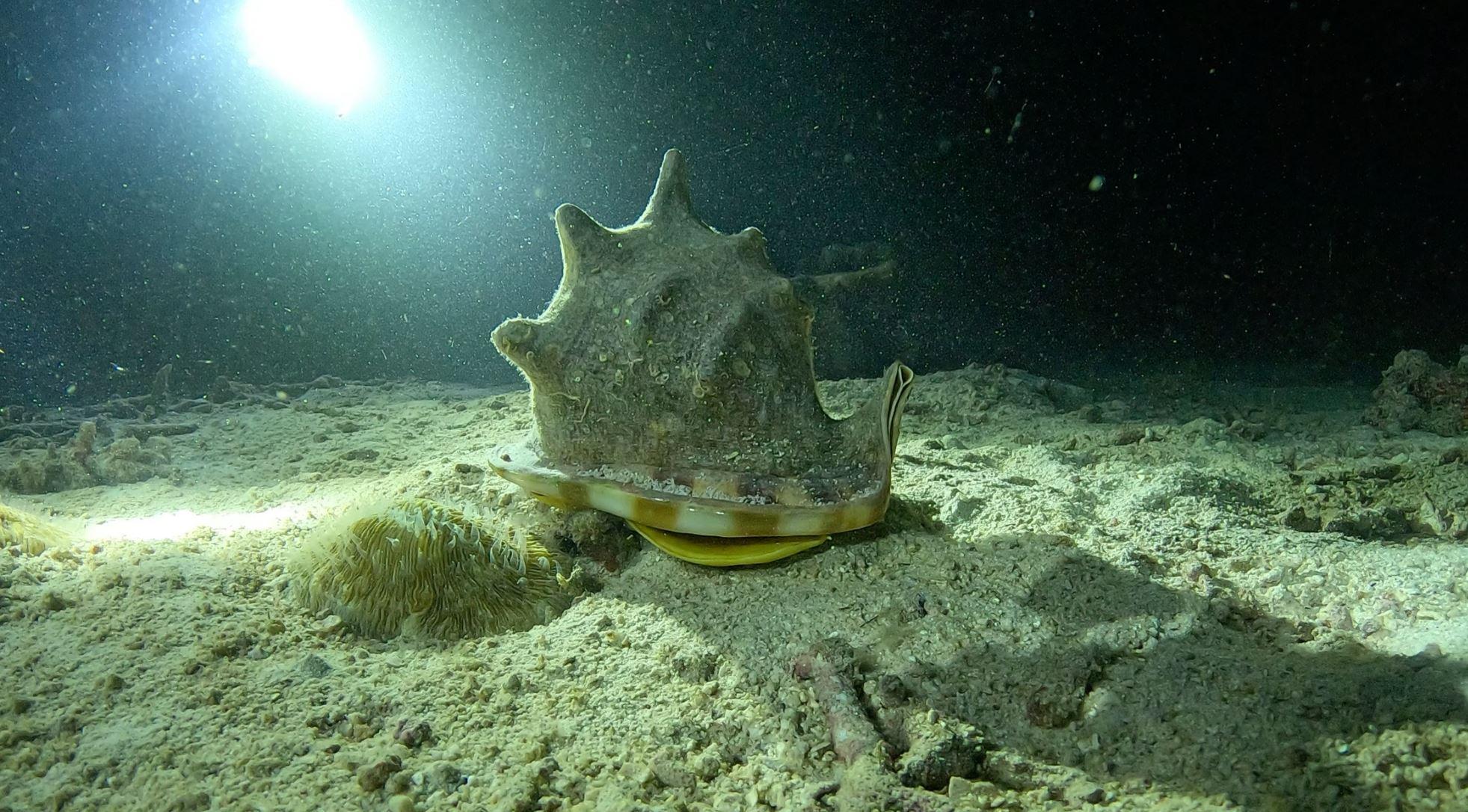
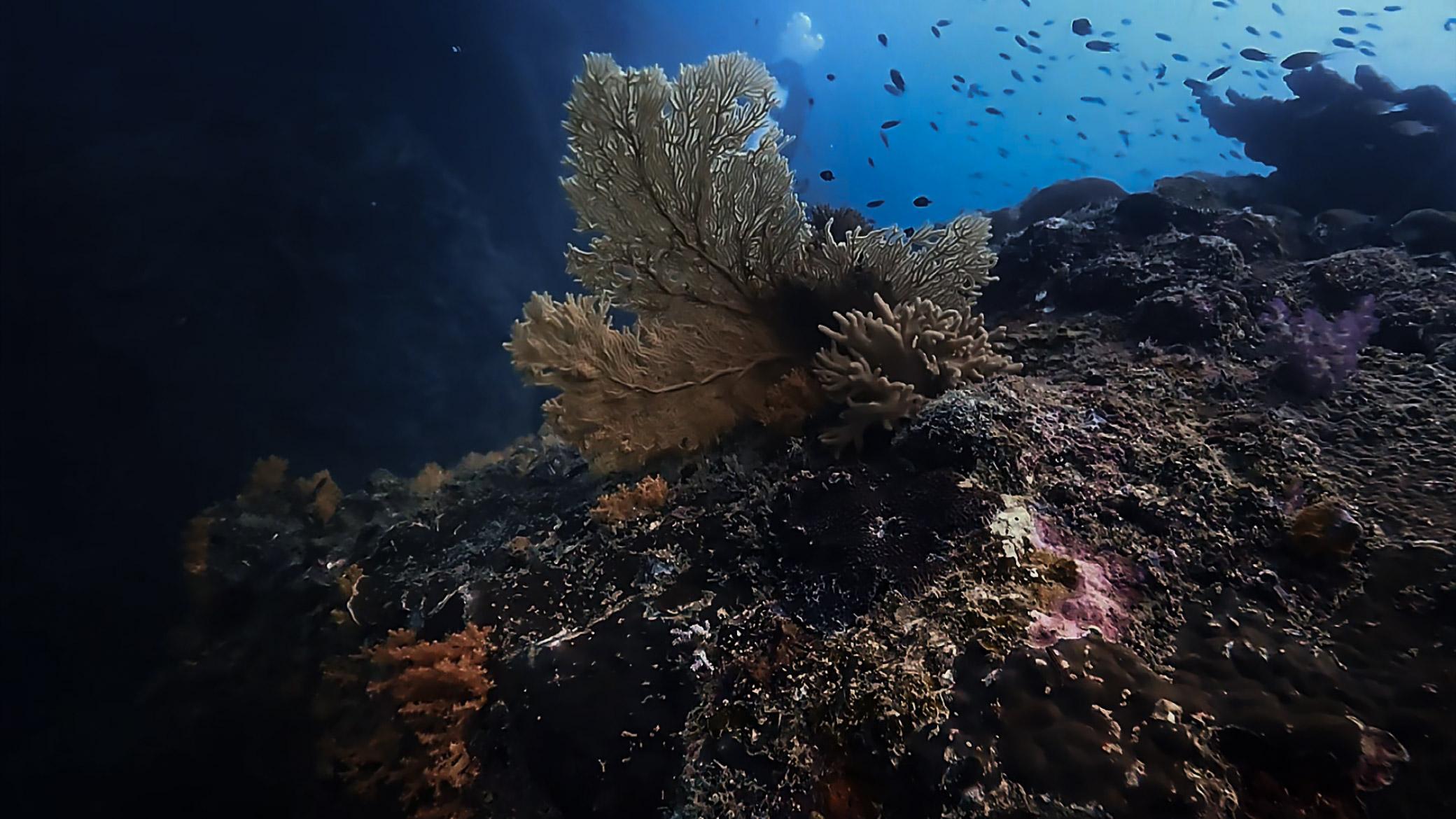
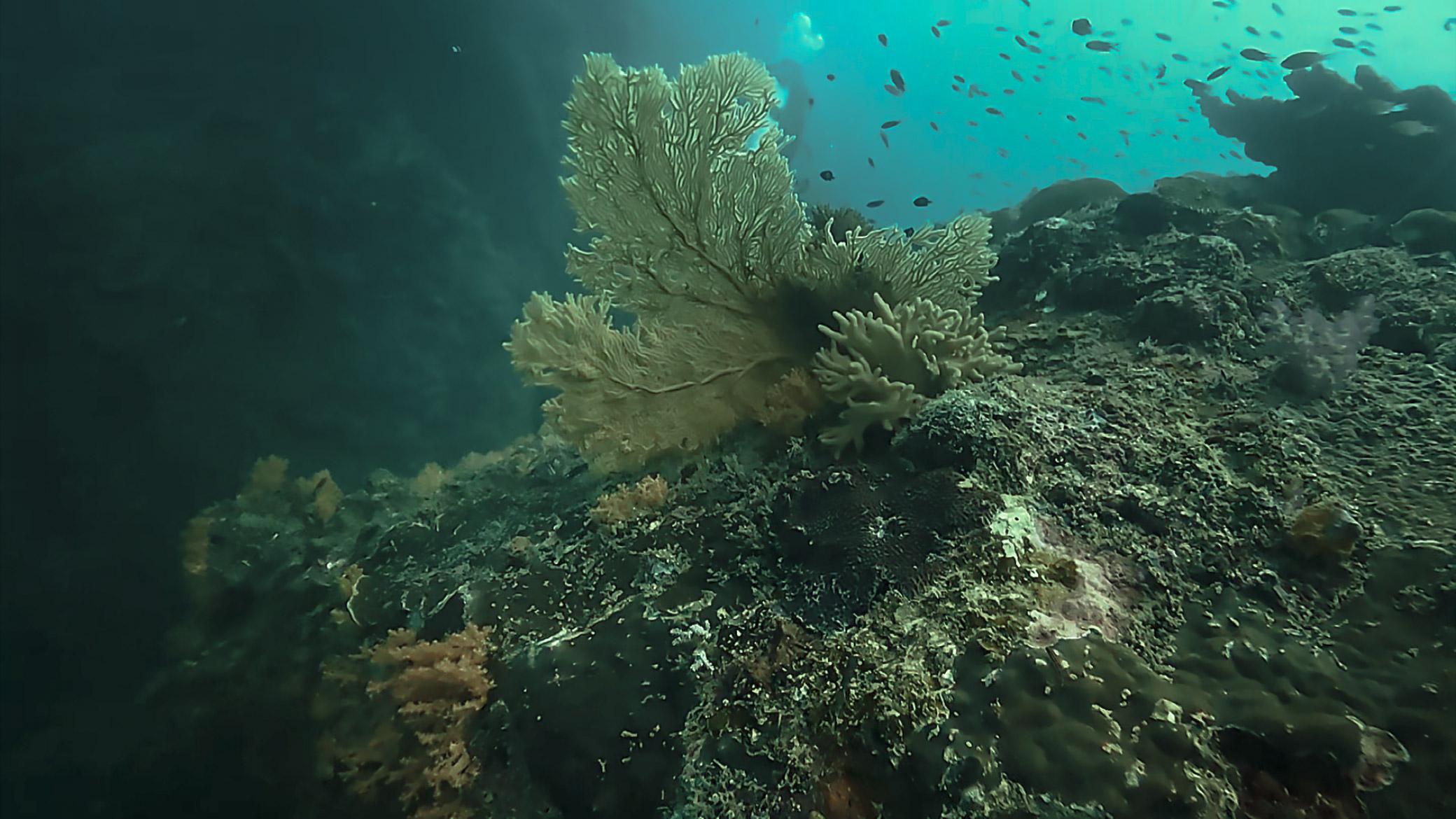
Drag to compare same clip, before and after grading.
The Real Problem
Your footage isn’t bad.
It just needs the right treatment.
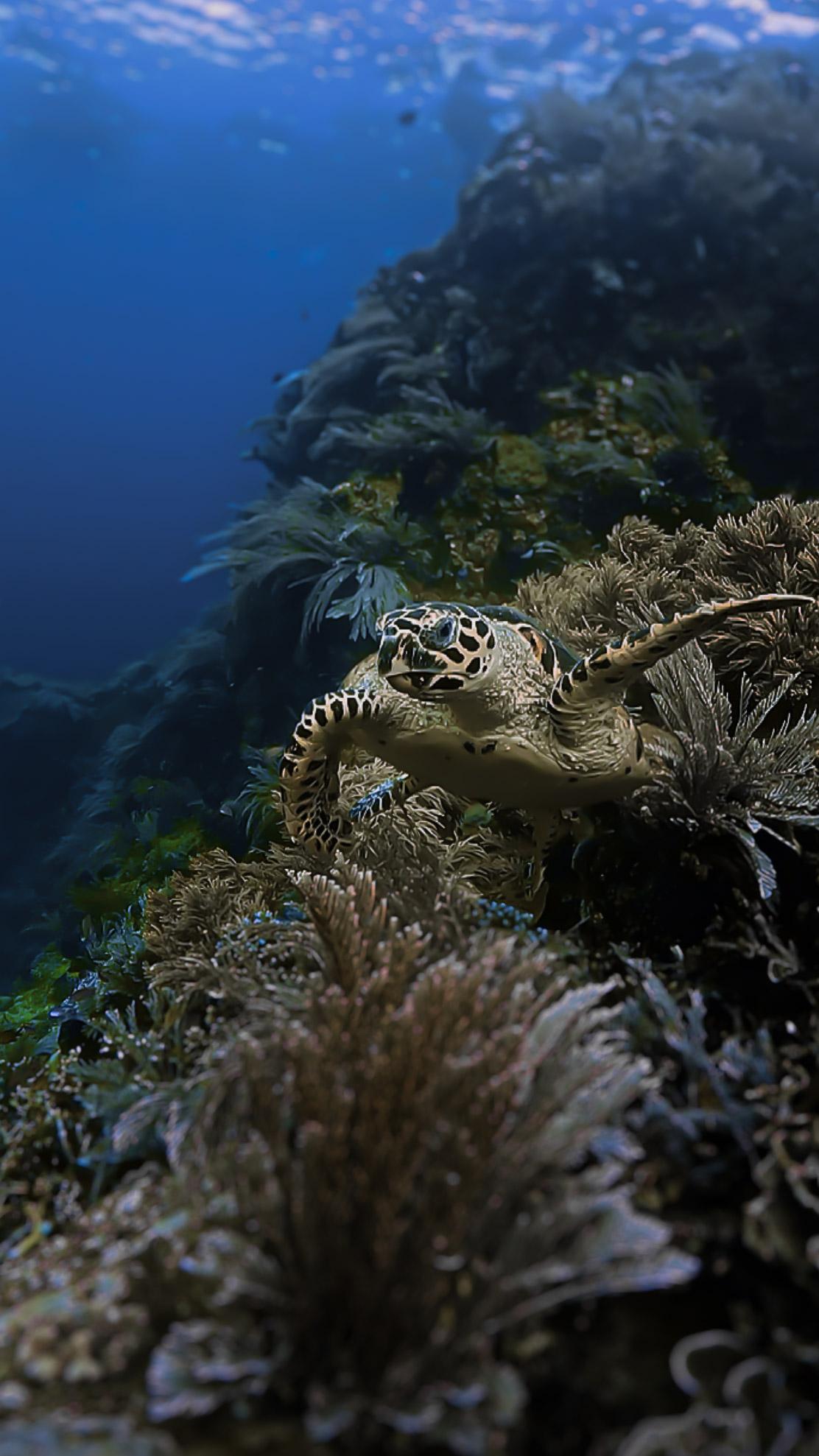
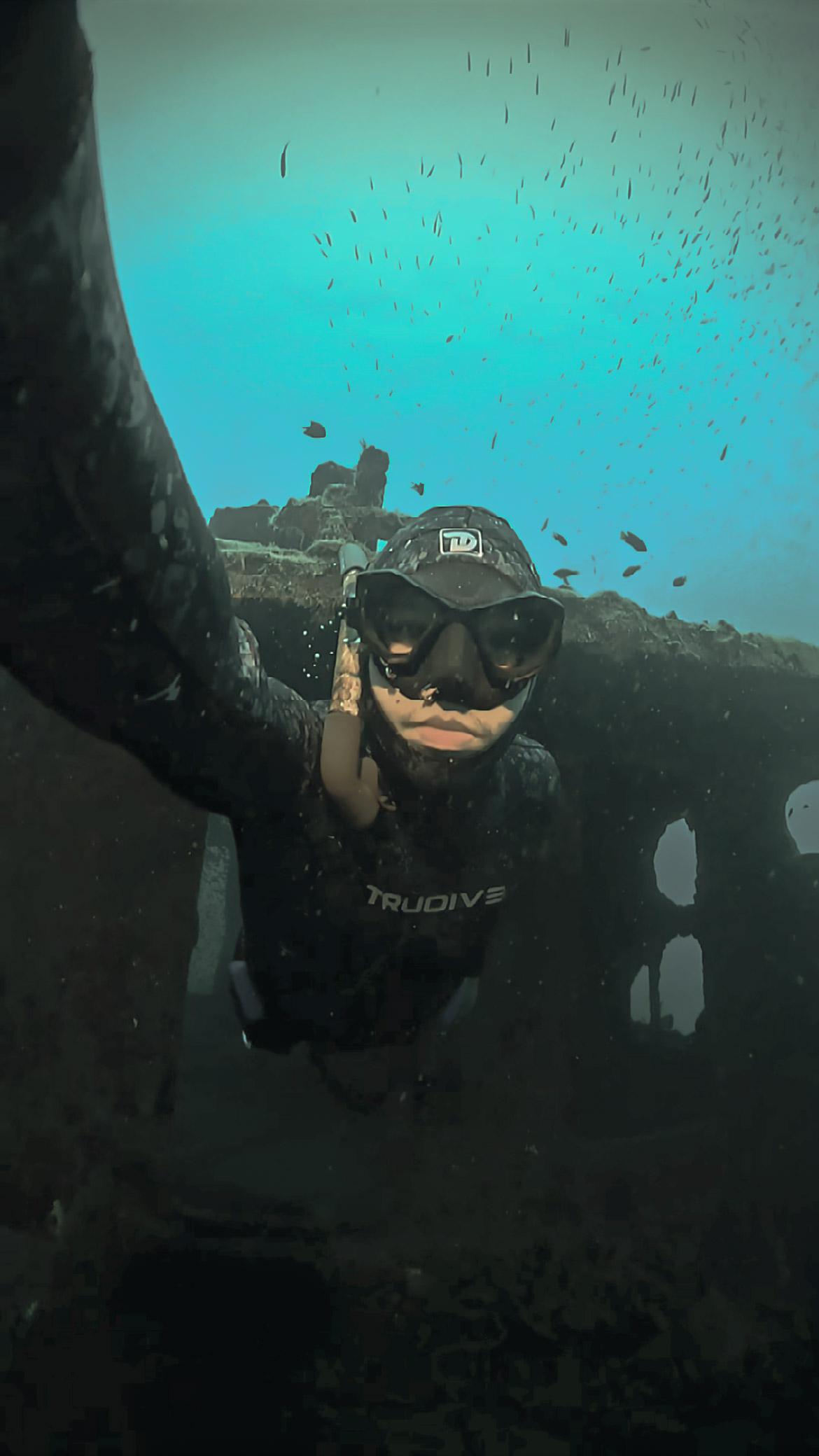
Underwater footage often comes out looking green, blue, flat, washed out, low contrast, or desaturated with skin tones and reef colour that never quite look right. That’s not a gear problem.
Shooting underwater is only part of the process. What happens after the editing and colour grading is what actually transforms the final result into something worth watching.
Real Transformations
See the difference.
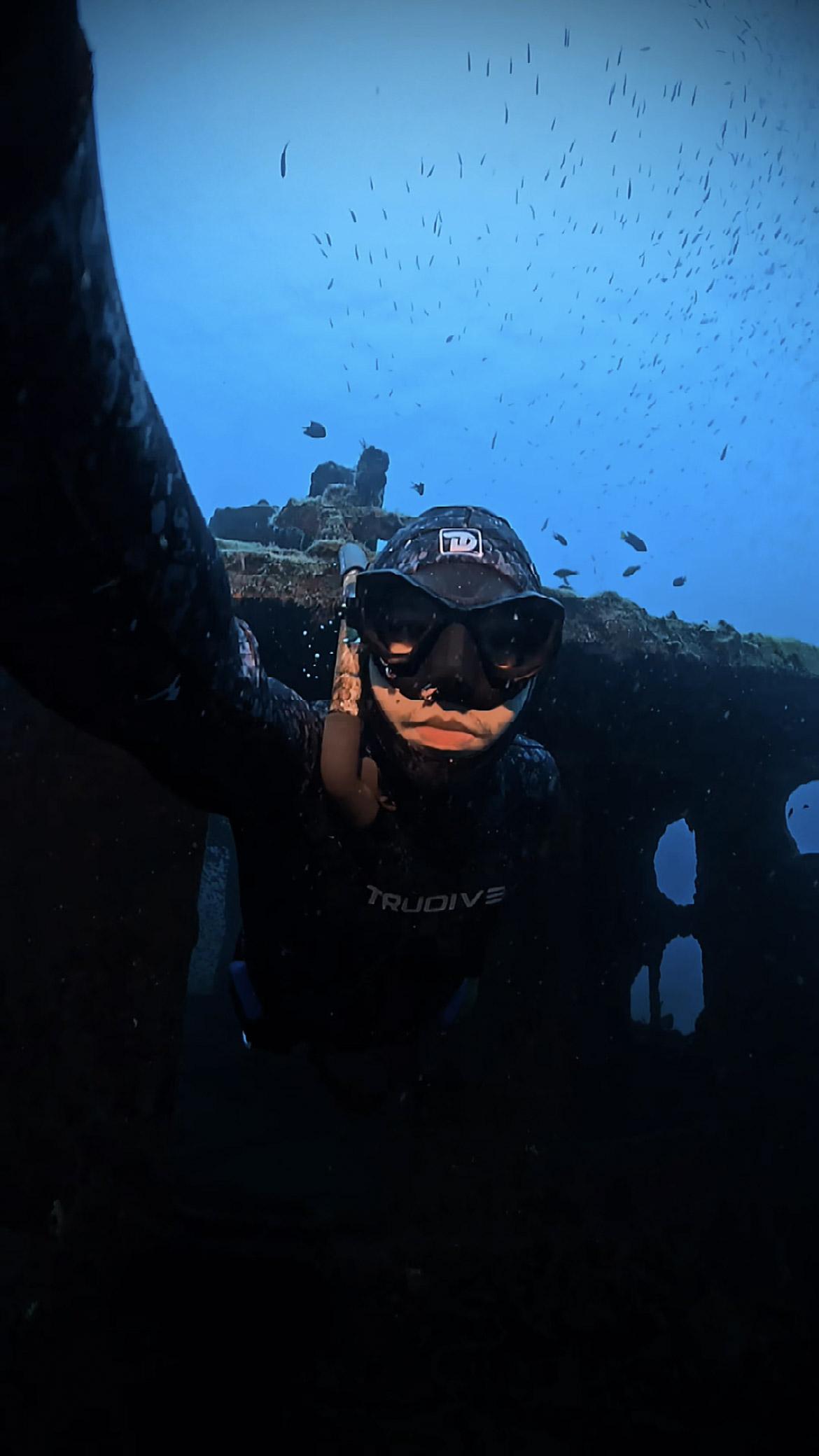
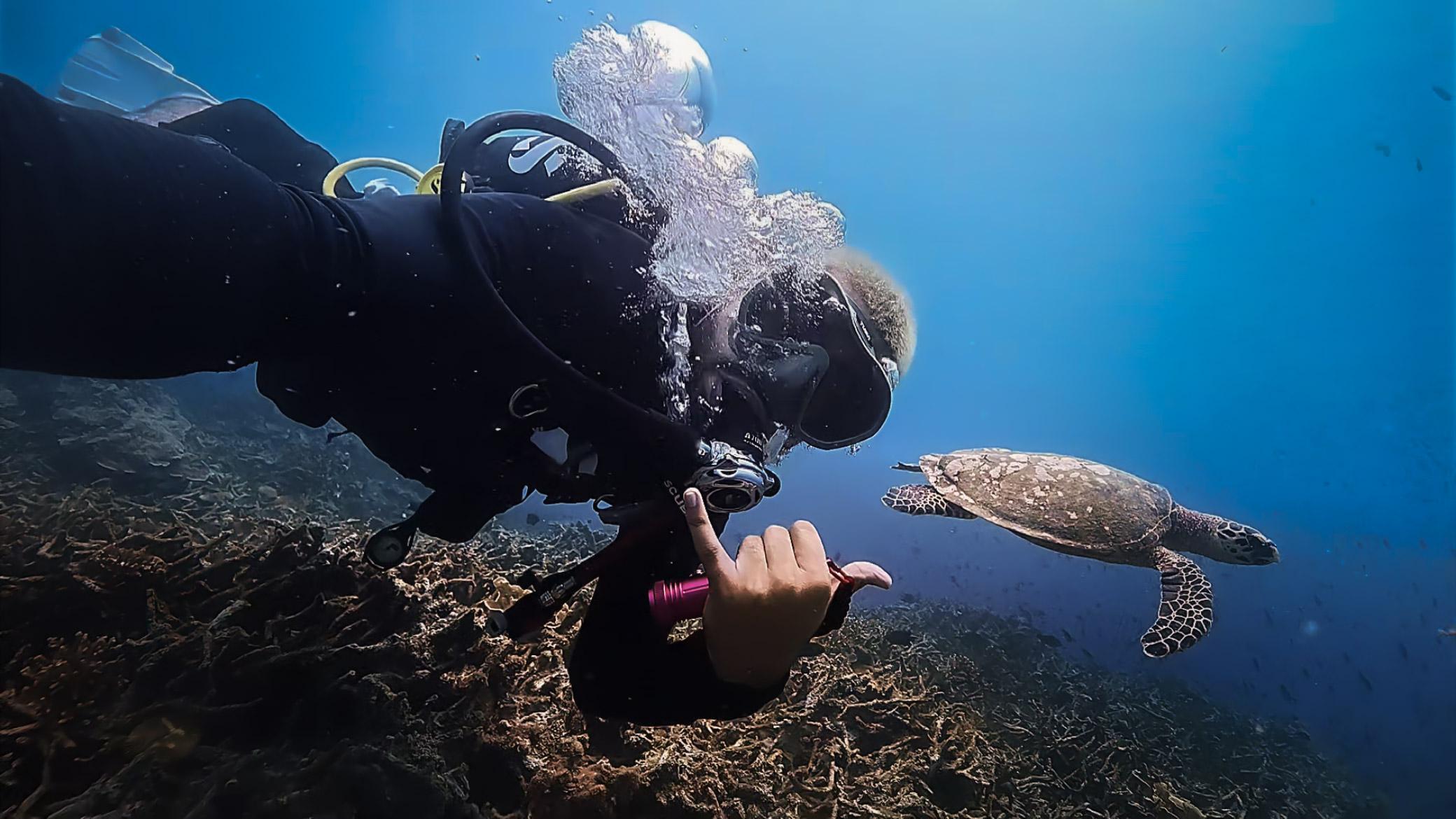
Drag each comparison. Same footage, same dive the only thing that changed is the grade.
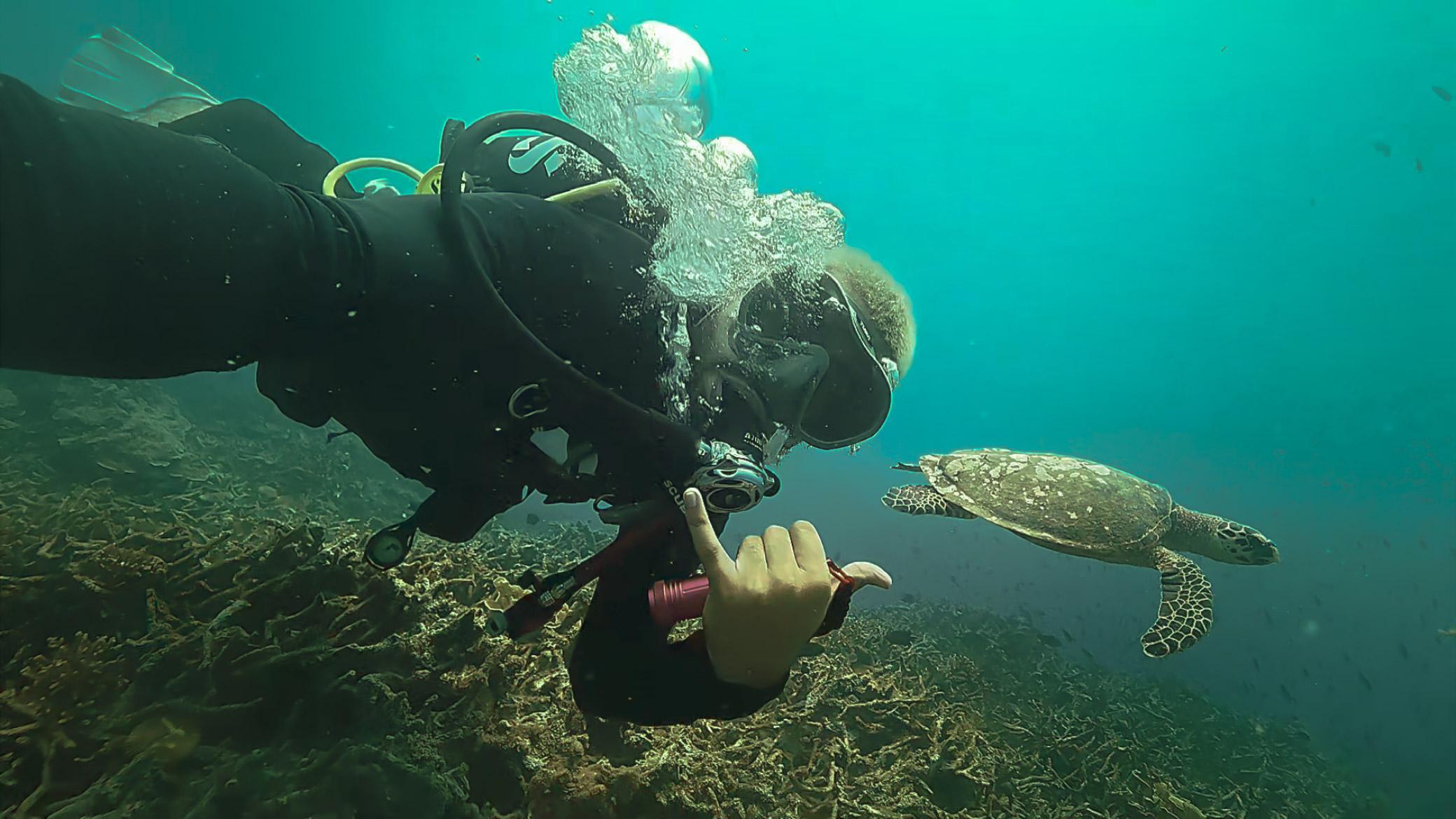
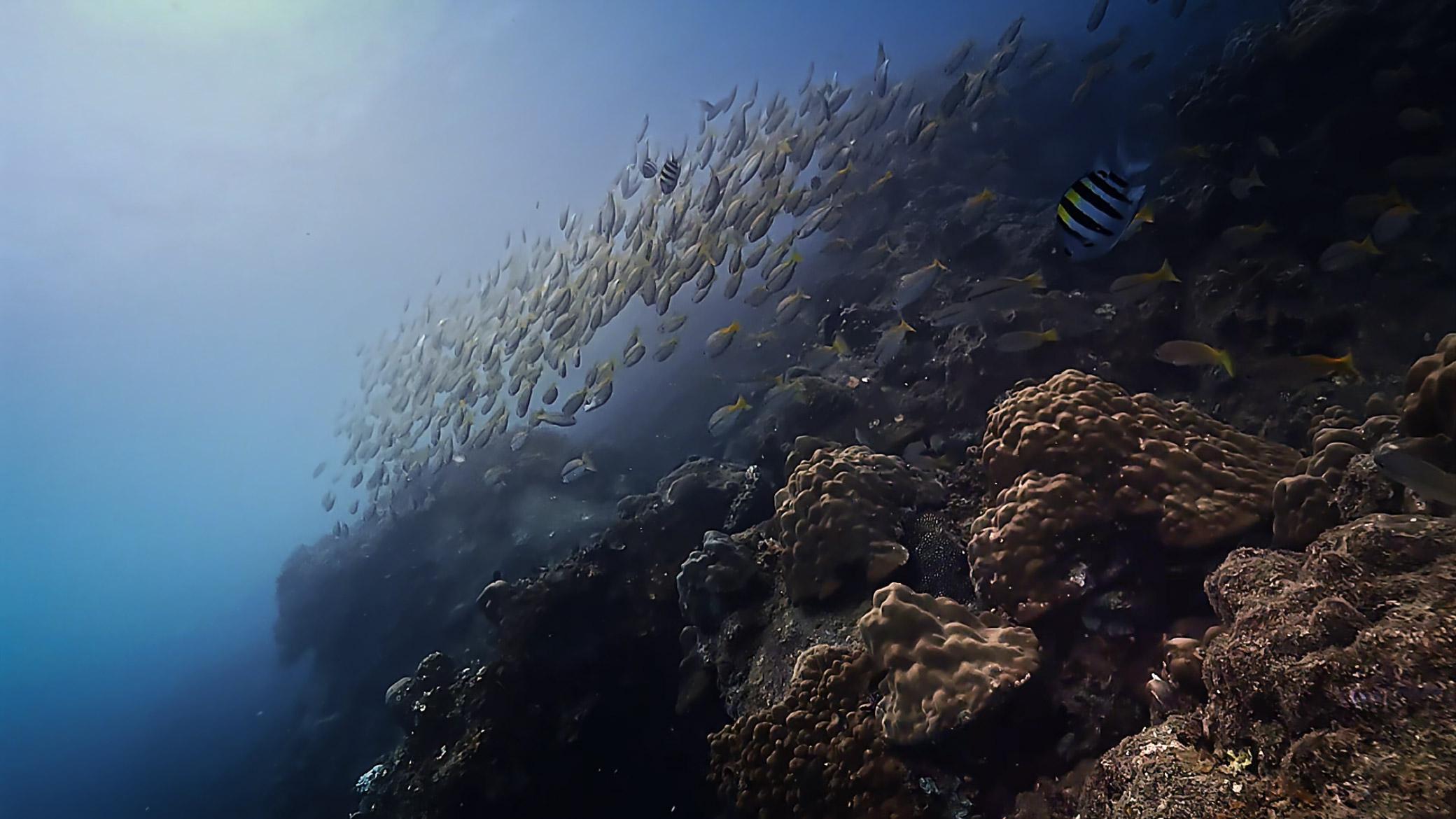
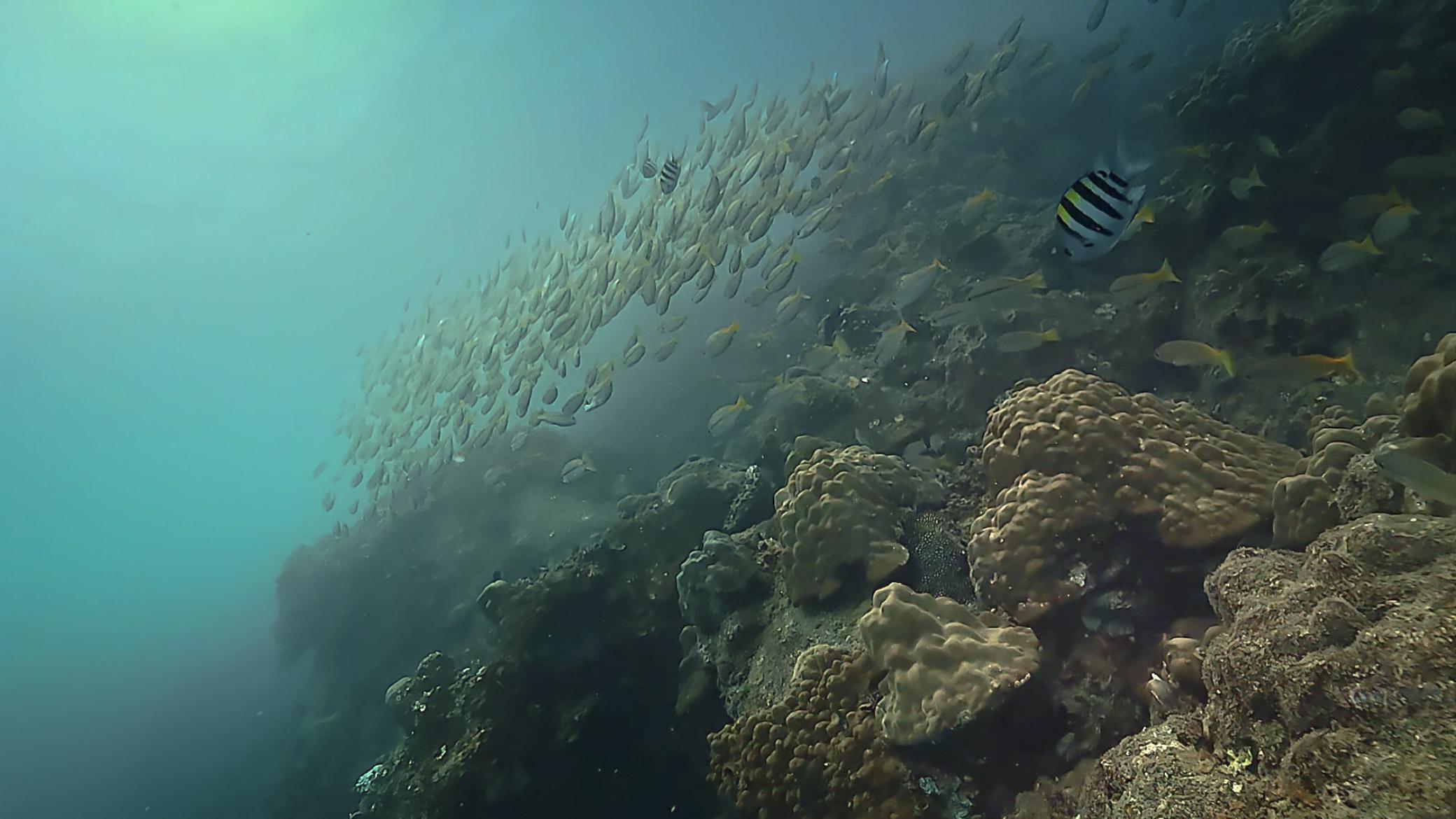
The Fundamentals
Why does underwater footage look so different?
Color Absorption
Water absorbs different wavelengths of light at different depths, so colour is disappearing before your camera even sees it.
Green / Blue Colour Cast
Red wavelengths disappear first. Within a few metres, footage starts drifting blue or green.
Loss of Contrast
Particles in the water scatter light, softening contrast and clarity the deeper or further you shoot.
Incorrect White Balance
A wrong white balance setting can make skin, reef and marine life look unnatural, even after correction.
Flat Footage
Even a technically good shot can look flat and lifeless without deliberate post-processing.
Inside the Masterclass
Eight modules, start to finish.
Understanding Underwater Footage
- Why underwater footage turns green or blue
- Understanding light underwater
- Common underwater colour problems
Basic Editing
- Importing footage
- Trimming and splitting
- Exposure, brightness and contrast
White Balance
- Correcting colour temperature
- Removing green and blue casts
- Restoring natural colours
HSL
- Hue, saturation and luminance
- Targeting specific colours
- Keeping skin and reef tones natural
RGB Curves
- Contrast shaping
- Red, green and blue channels
- Creating cinematic looks
Layering & Overlays
- Layer workflow
- Overlay techniques
- Blend modes
Final Colour Grade
- Creating a consistent look
- Balancing skin tones
- Reef and marine-life colour, cinematic finishing
Export
- TikTok
- YouTube
Who This Is For
Built around how you already shoot.
Scuba Divers
You already have amazing dive footage. Now make it look as good as the dive felt.
Freedivers
Turn your underwater moments into cinematic stories.
Underwater Photographers
Learn the colour workflow behind professional underwater imagery.
Content Creators
Create better reels, TikToks and YouTube videos.
Beginners
No professional colour grading experience required.
Course Packages
Choose how you want to learn.
Early Access Edition
The complete self-paced workflow.
- Ebook
- CapCut underwater editing workflow
- White balance
- HSL & RGB curves
- Colour correction
- Export settings for Instagram, TikTok & YouTube
Creator Edition
Everything in Early Access, plus live guidance.
- Ebook
- Complete workflow
- White balance, HSL & RGB curves
- Colour correction
- Export settings
Plus
- Private 1-to-1 online class
- Live workflow demonstration
- Q&A on your own footage
- Personalised guidance
- 30 days of support
Professional Edition
Everything in Creator, face-to-face.
- Everything in Creator Edition
- Private face-to-face class
- Colour correction
- Hands-on editing session
Plus
- Private 1-to-1 physical class
- Personalised workflow
- Live workflow demonstration
- Q&A on your own footage
- Personalised guidance
- 30 days of support
Reserve Your Spot
Ready to transform your underwater footage?
Reserve your spot and start creating underwater videos that look as good as they felt in the water.
FAQ
Common questions.
No. The masterclass starts from the fundamentals.
No. The core version is designed around CapCut.
Yes — especially for the Creator and Professional editions.
Yes.
Scuba, freediving, reef, marine life and general underwater footage.
Yes — Instagram, TikTok and YouTube export settings are covered.
Creator and Professional editions include 30 days of support.
Your next dive deserves better colour.
Turn your underwater footage into something worth watching.